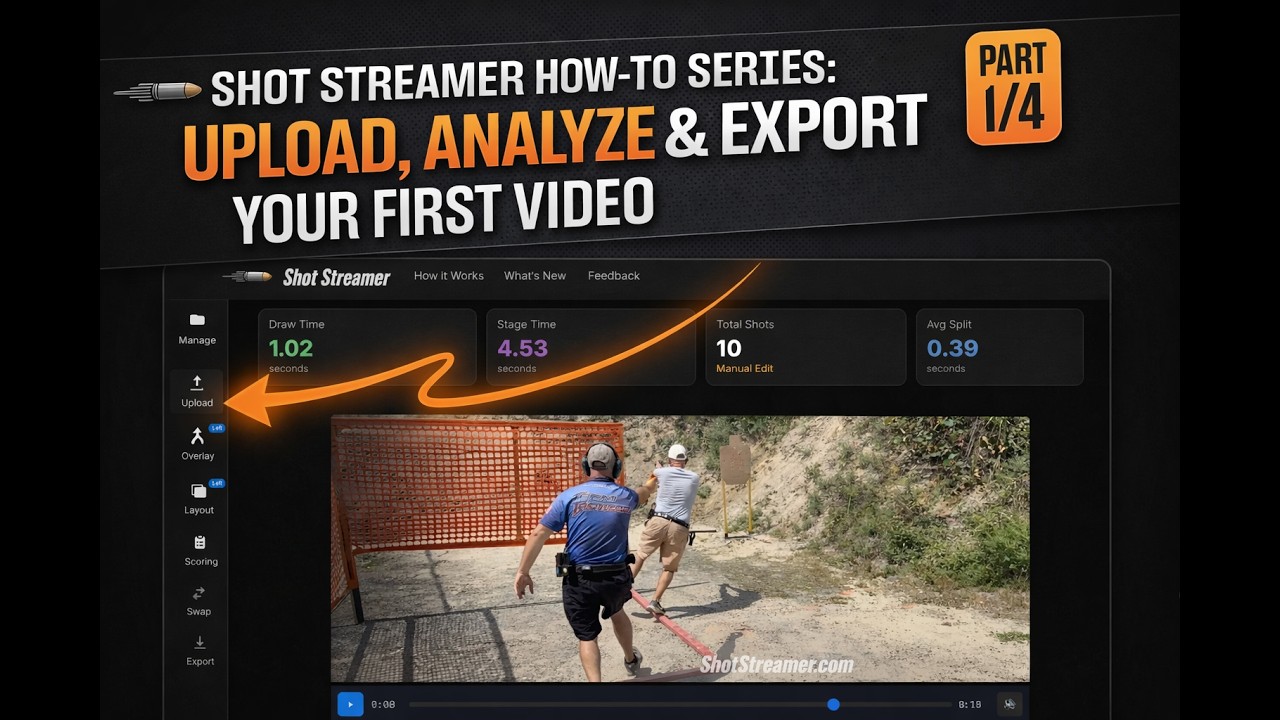
Upload Your Stage Video
Shot Streamer will automatically detect your shots

0:00.00
0:00.00
Analyze competition shooting videos with AI
Detect shots, merge angles, add overlays. Free, no signup required.
Drop your competition shooting video into the browser. Supports MP4, MOV, and most video formats.
Our AI detects shots and timer beeps automatically. Fine-tune with the interactive waveform editor.
Add shot stream overlays, merge camera angles, and export professional MP4 videos ready for social media.
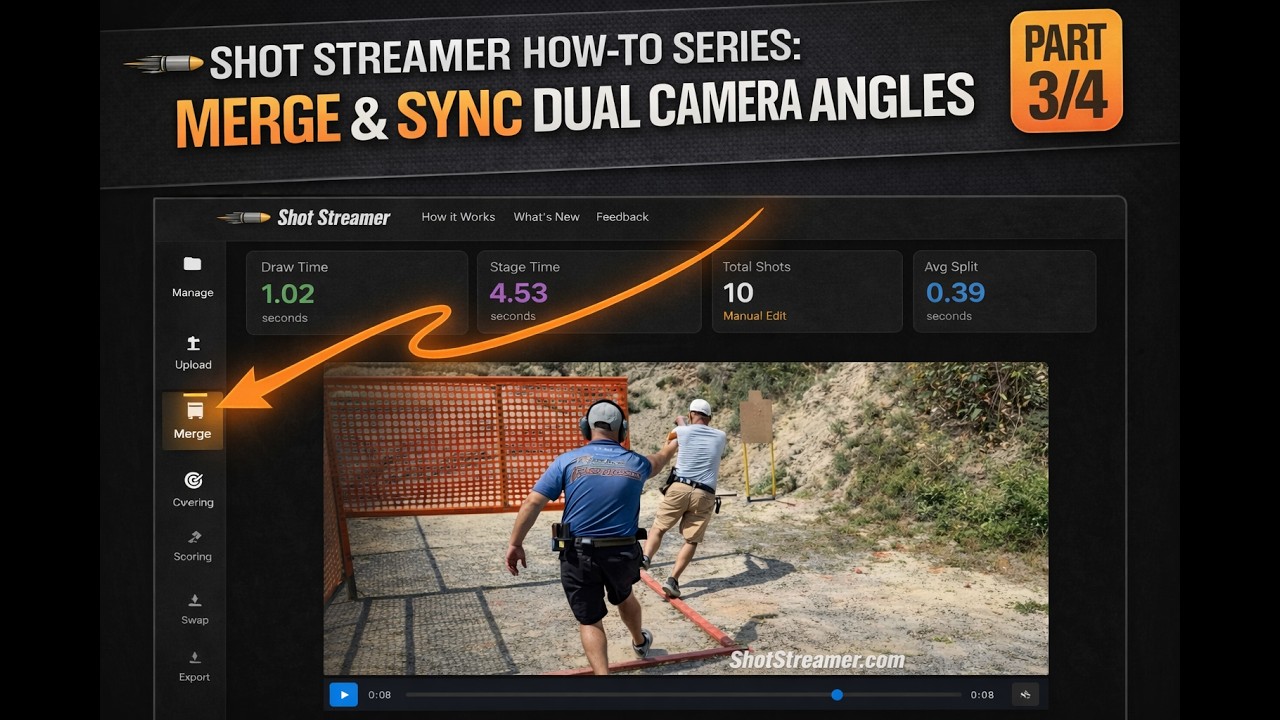
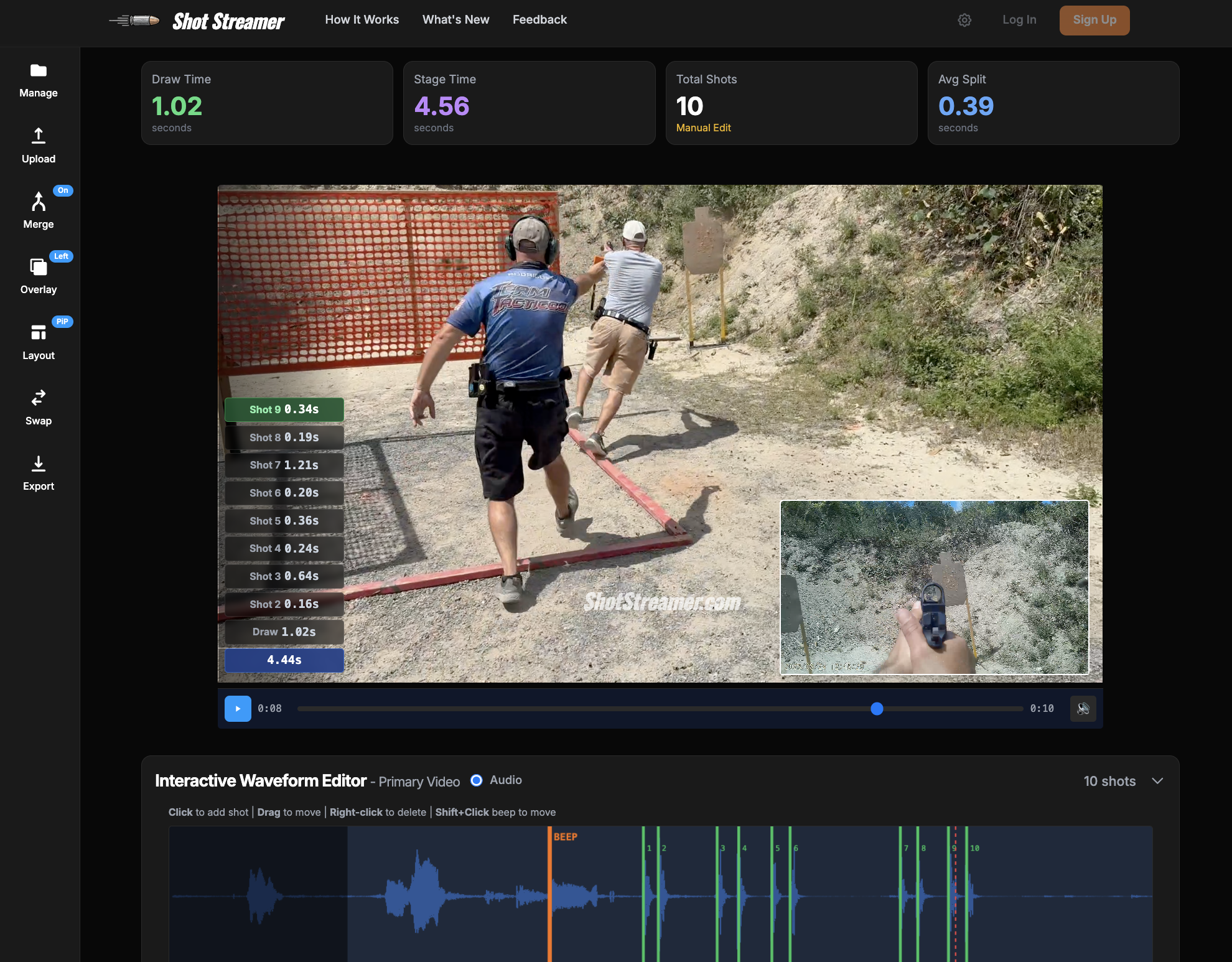
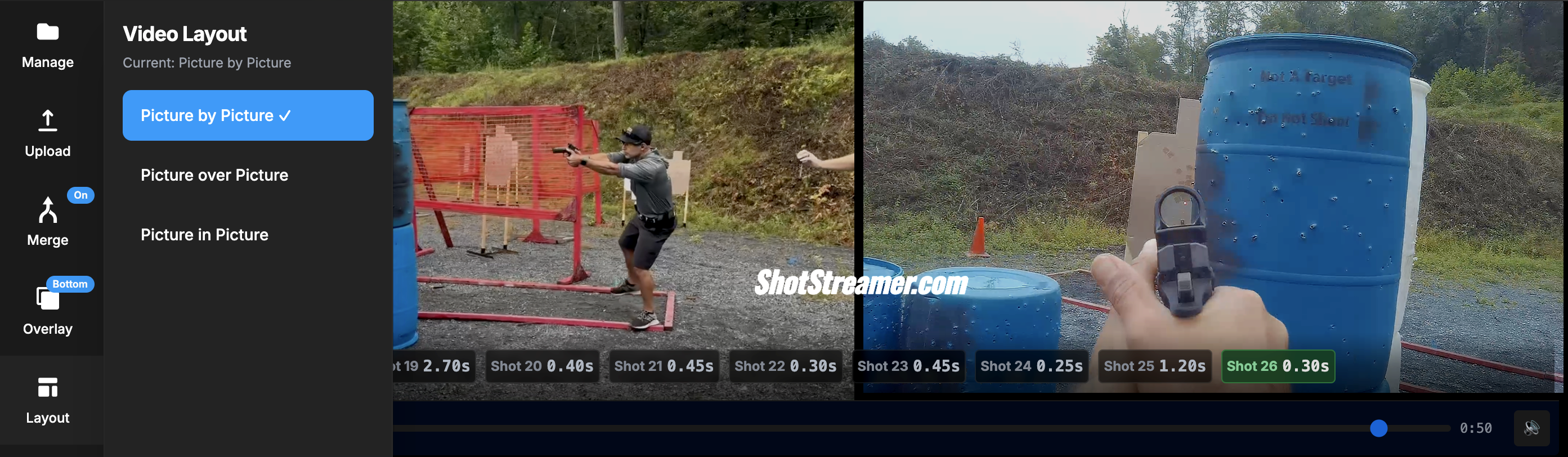
Combine shooter and target view angles into one professional video. Choose picture-by-picture (PbP), picture-over-picture (PoP), or picture-in-picture (PiP) layouts. Auto-sync using timer beeps or manually adjust with ±10ms precision for perfect synchronization.
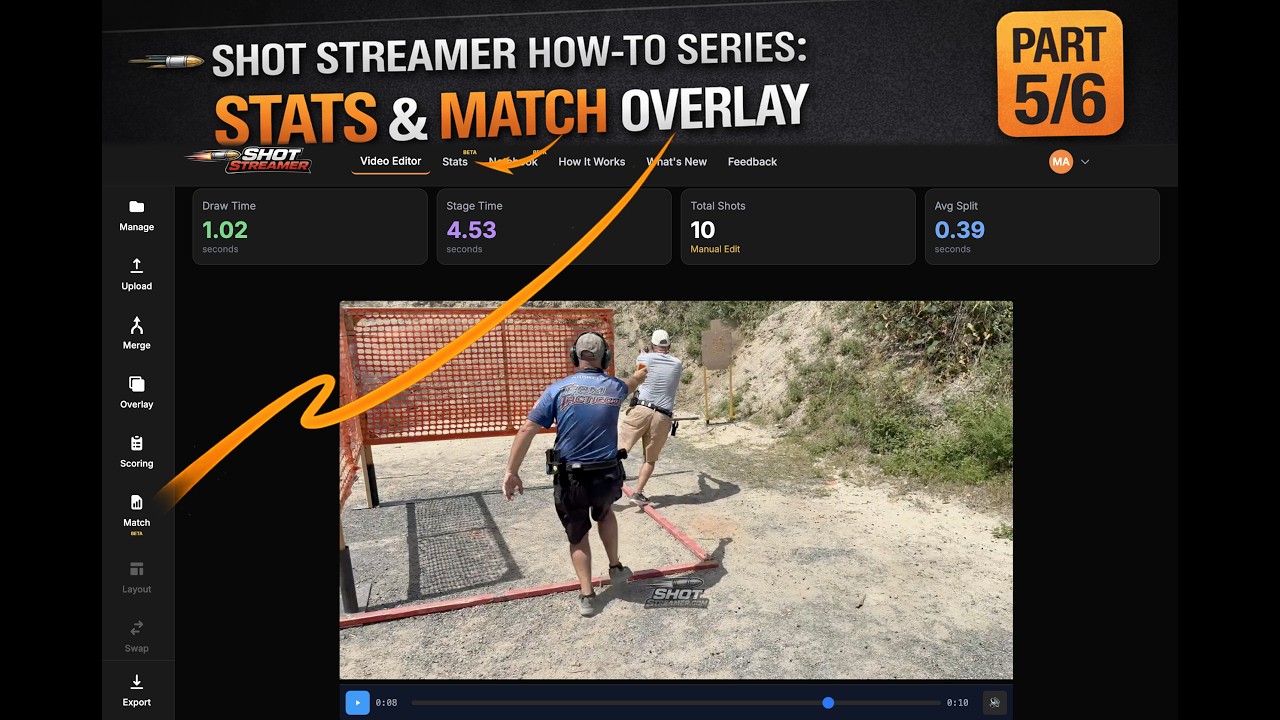
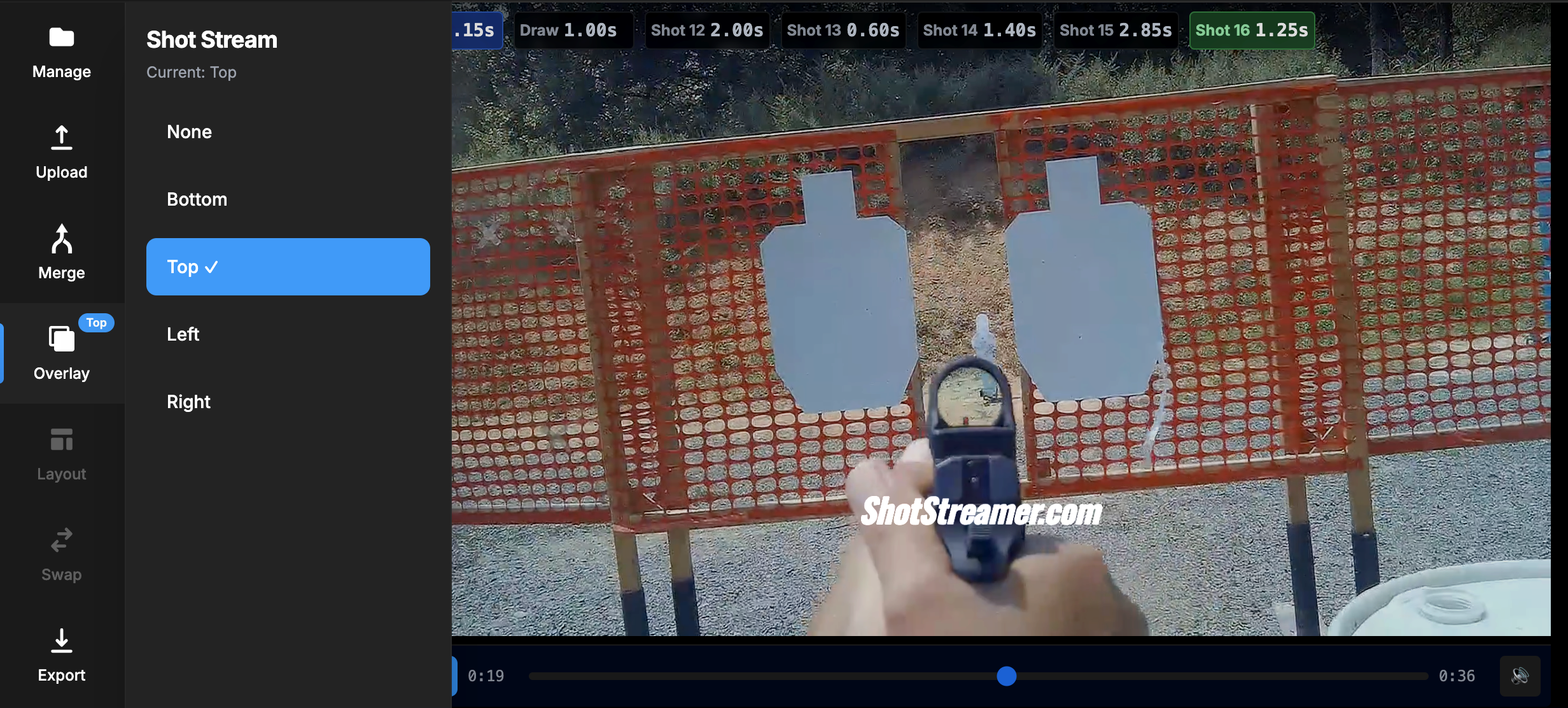
Add professional timer and split-time overlays to your videos. Choose from 4 positions (top, bottom, left, right) with gradient backgrounds that blend seamlessly. Perfect for USPSA, IPSC, and Steel Challenge competition videos.
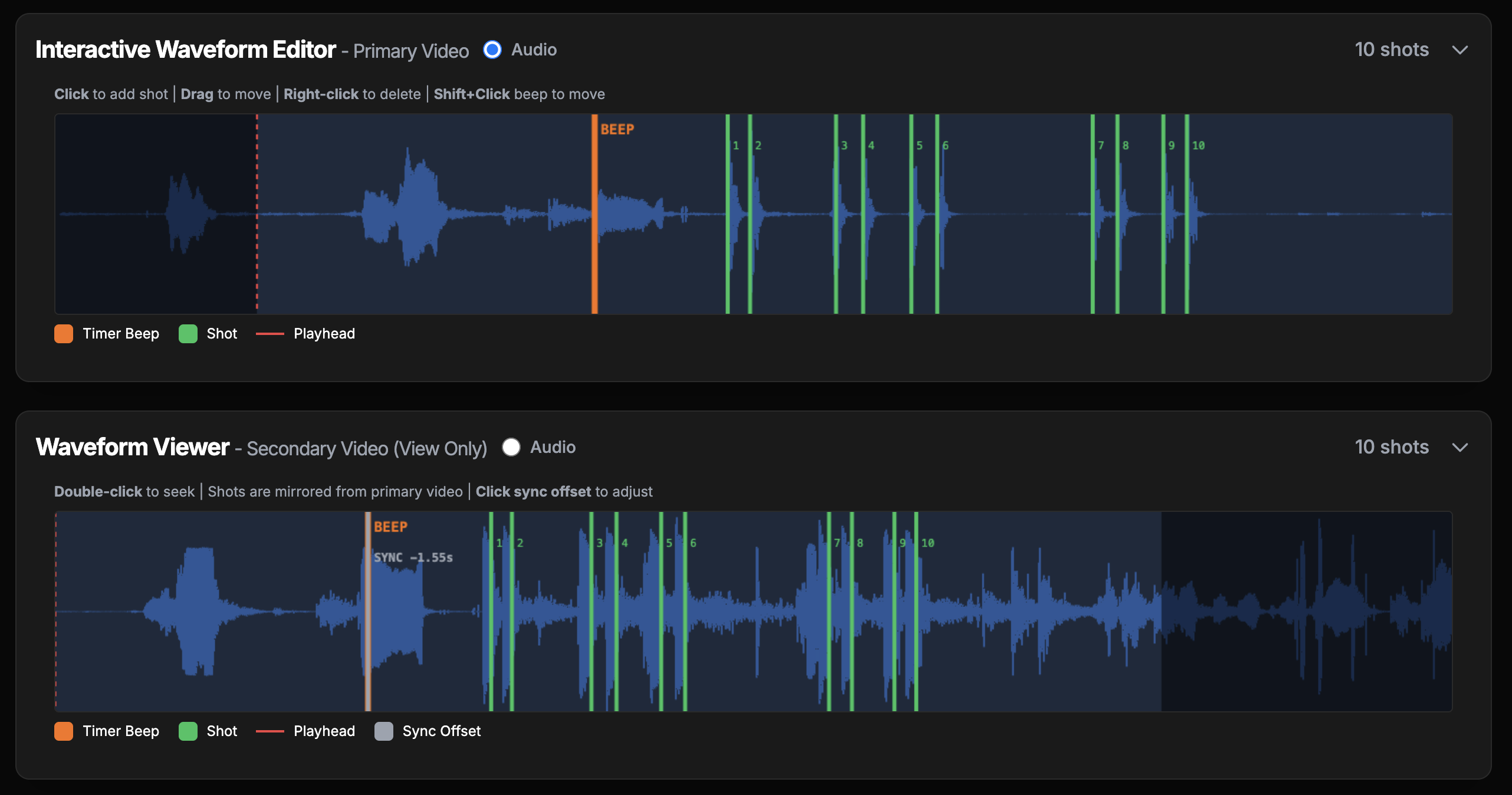
Visual audio waveform puts you in complete control. Click to add shots, drag to adjust timing, right-click to remove. The waveform displays the entire audio track so you can see exactly where shots occur and make frame-perfect adjustments.
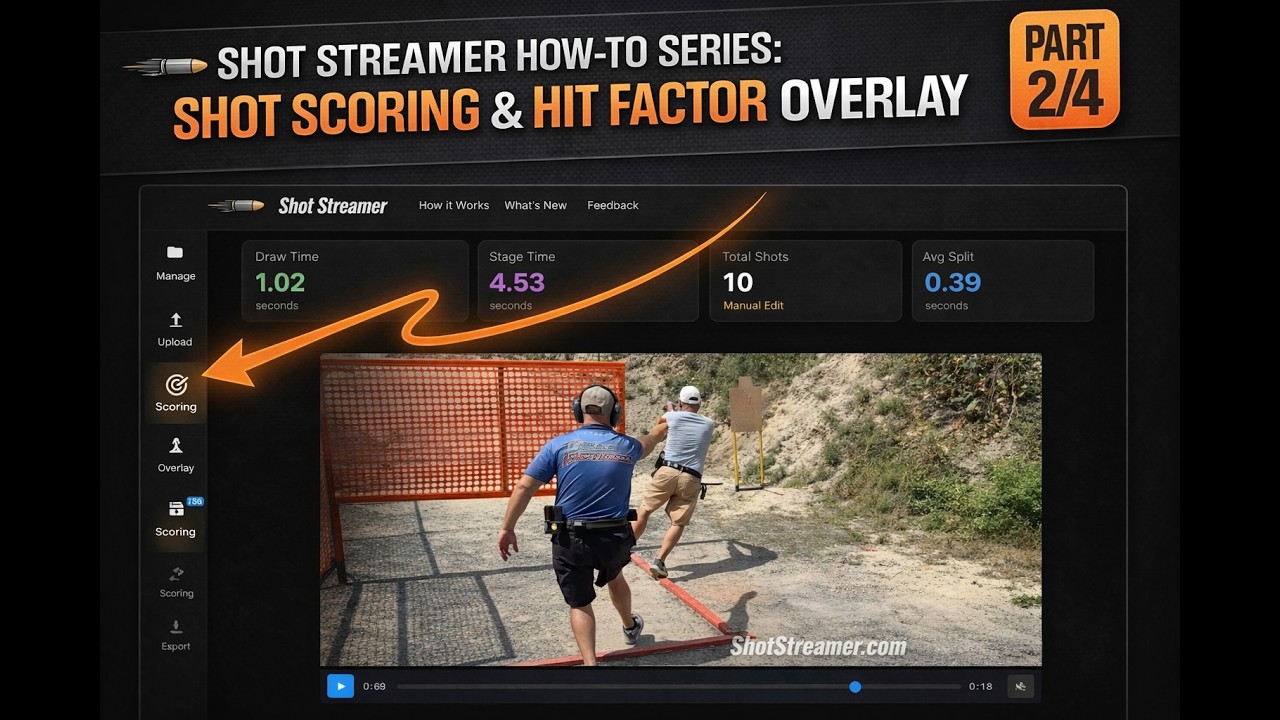
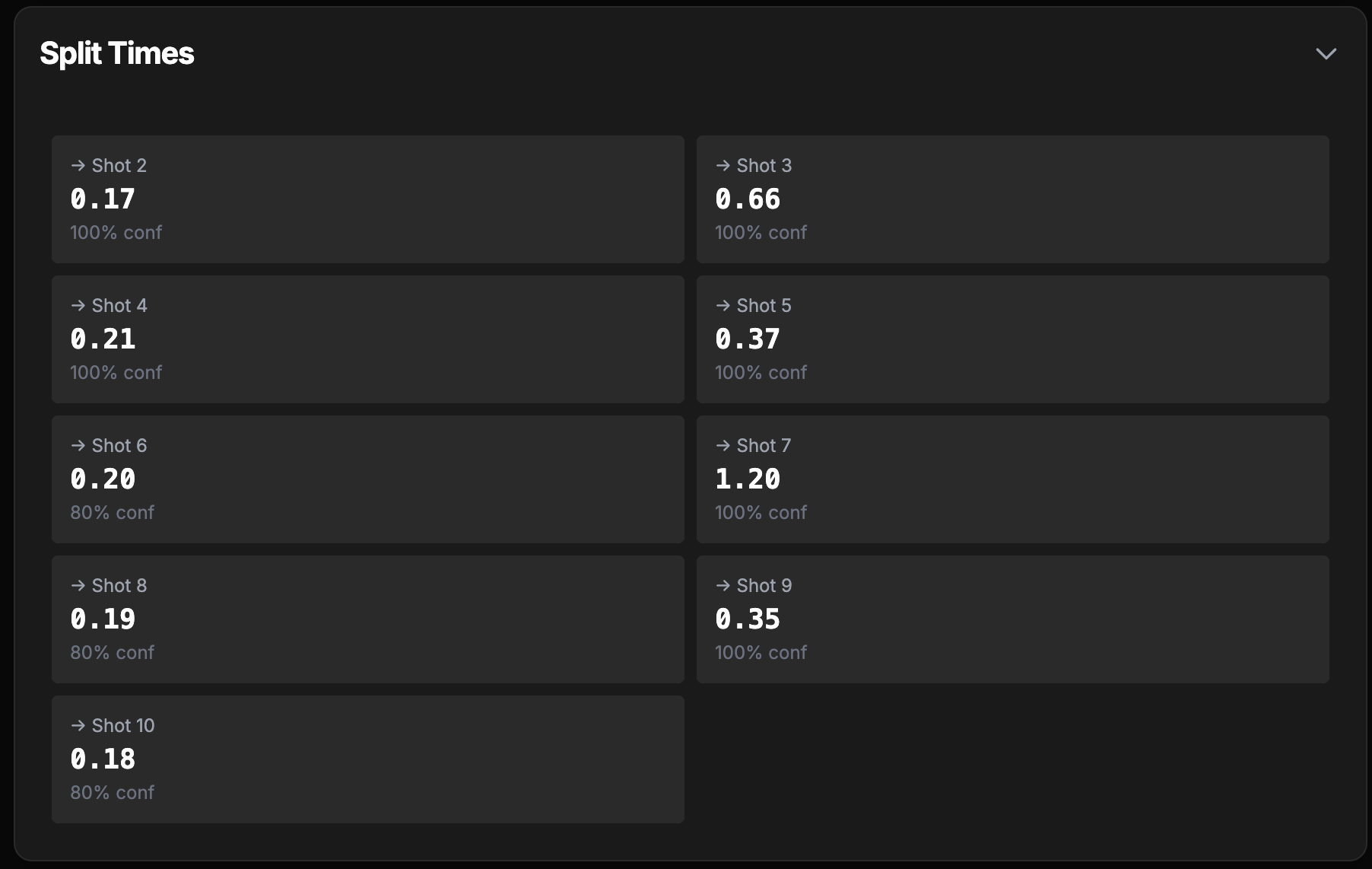
Mark each shot with score letters (A, C, D, M, NS, MU) and position them on your video. Animated score letters appear during playback and export, with automatic Hit Factor calculation including penalties. Perfect for stage breakdowns and training analysis.
Machine learning automatically detects shots and timer beeps with 95%+ accuracy. Our AI is trained on USPSA, IPSC, and Steel Challenge competition shooting videos.
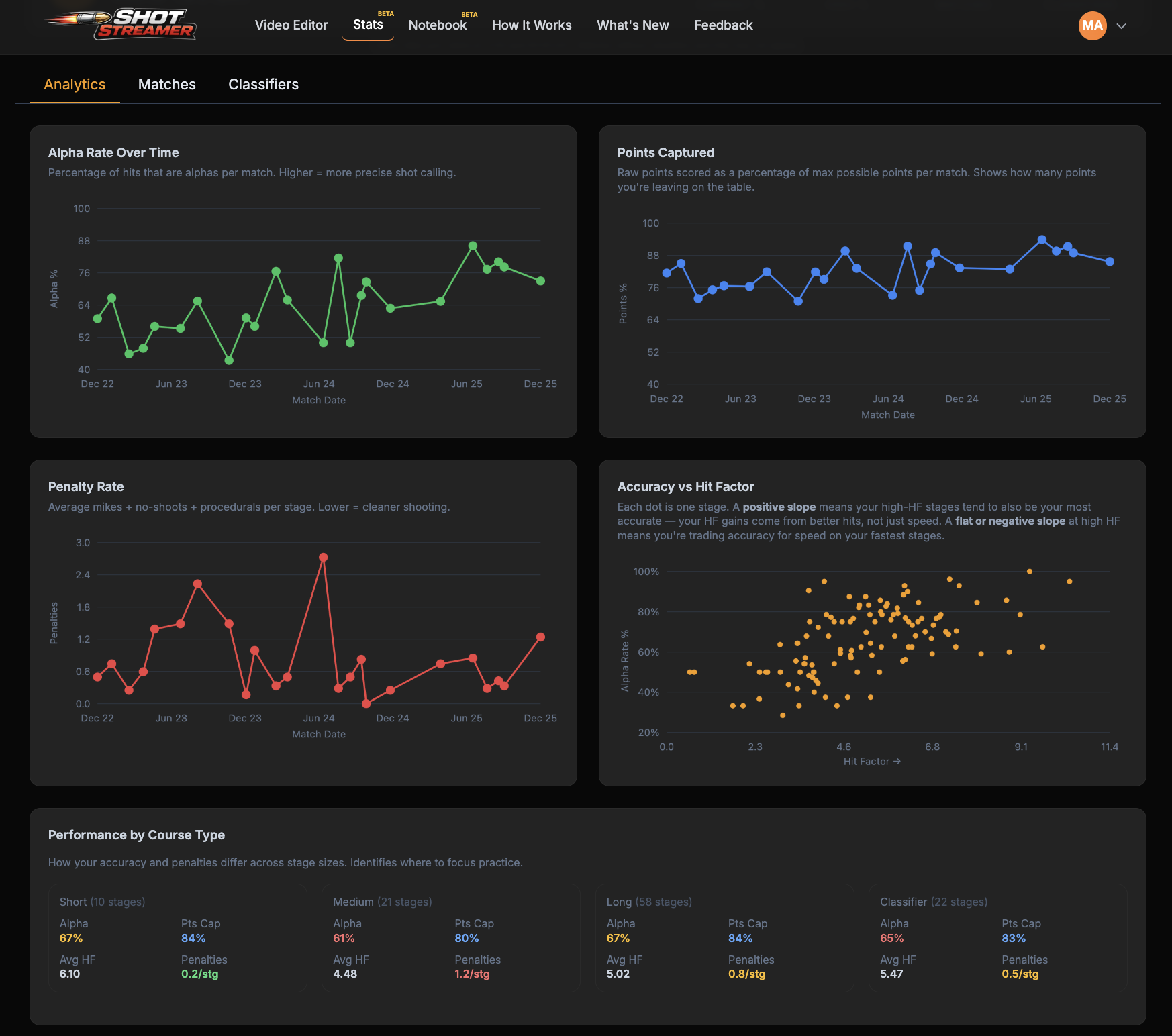
Track your USPSA classification history, match performance, and classifier scores all in one place. Enter your USPSA number and instantly see your progression across divisions.
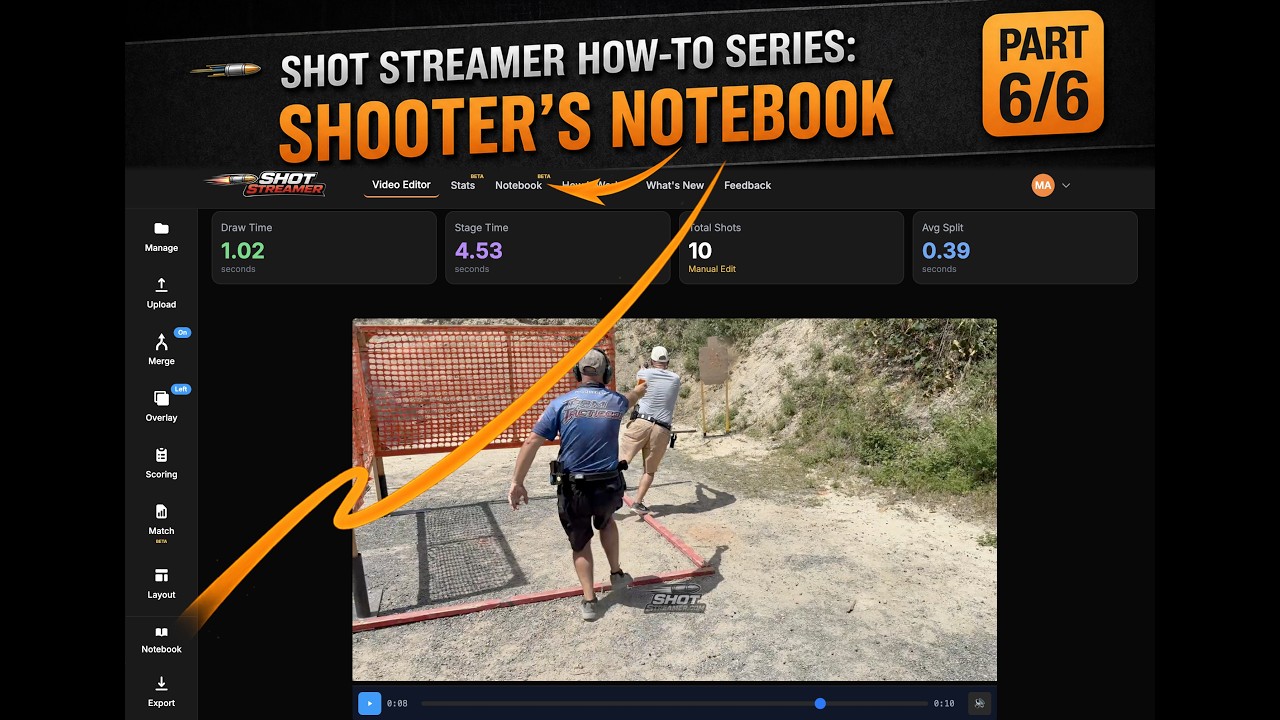
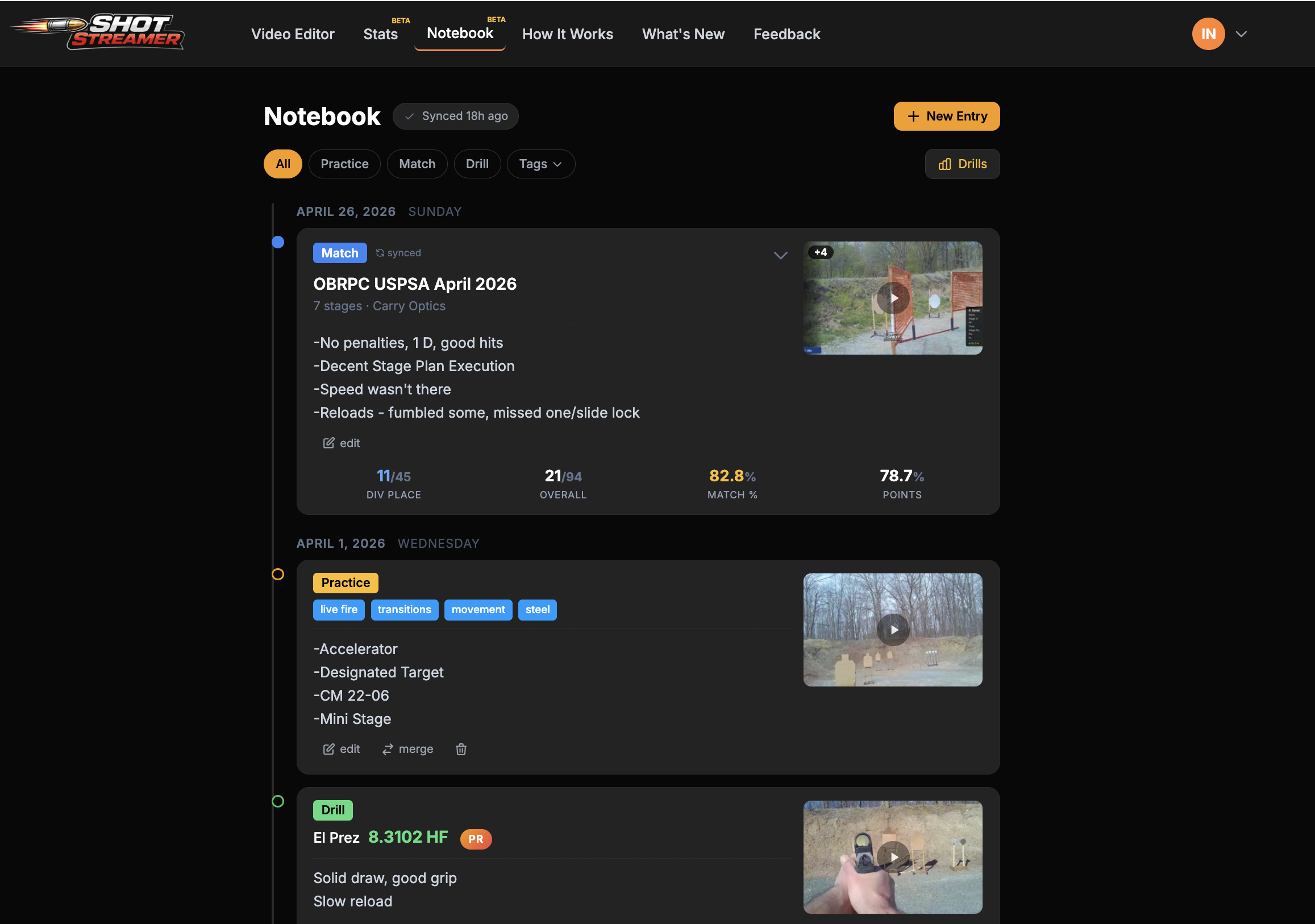
Your personal training journal for recording stage notes, observations, and lessons learned. Link entries to your match data for a complete picture of your performance. Build a searchable archive of your competitive shooting journey.
Our machine learning model achieves 95%+ accuracy on most competition shooting videos. The AI is trained on thousands of shots from USPSA, IPSC, and Steel Challenge matches. You can always fine-tune results using the interactive waveform editor and adjust the detection sensitivity threshold (0.1-0.9) to match your specific video conditions.
No account or payment is needed to get started. Upload a video, detect shots, merge angles, and export — all free. Creating an account unlocks additional features, and Shot Streamer Pro adds scoring, match data overlays, saved projects, stats, and watermark-free exports.
Shot Streamer supports all major video formats including MP4, MOV, AVI, and WebM. The tool automatically handles different codecs and resolutions. For best results, we recommend 1080p or 4K footage. Exported videos are always saved as high-quality H.264 MP4 files compatible with all social media platforms.
Currently, Shot Streamer supports merging two video angles (e.g., shooter view + target view). You can arrange them side-by-side, above-below, or picture-in-picture. The videos auto-sync using timer beeps, or you can manually adjust synchronization with ±10ms precision. Multi-angle support (3+ cameras) is on our roadmap!
Absolutely. Your videos are processed on secure AWS servers and automatically deleted after processing. We never store, share, or use your videos for any purpose other than providing the analysis service. All uploads are encrypted in transit (HTTPS) and we have no access to your personal content.
Join thousands of shooters using Shot Streamer to analyze, edit, and share their best runs.
Upload and analyze a video, then save it to see it here.
This will save:
Please wait while we upload your project
All unsaved work will be lost. This action cannot be undone.
This action cannot be undone.
Loading this project will replace your current work. Continue?
This will reset all preferences to default values:
0%
Preparing...
This typically takes 30-60 seconds.
Drag the highlighted crop box to reposition. The dimmed area will be cropped out.
Fine-tune the synchronization between videos. Positive values shift secondary video later, negative values shift it earlier.
Original
0.000s
Original offset: 0.000s
Assign a score letter to each shot. You can adjust these later in the Split Times section.
Shot Streamer will automatically detect your shots
Click to add shot | Drag to move | Right-click to delete | Shift+Click beep to move
Double-click to seek | Click sync line to adjust offset | Shift+Click beep to move
You can re-plot positions after the change.
Your email has been verified successfully! You can now log in to your account.
Don't have an account?
or
Password requirements:
Free plan includes 3 single videos & 1 merge/week.
Already have an account?
or
Enter your email address and we'll send you a link to reset your password.
We've sent a verification email to .
Please check your inbox and click the verification link to activate your account.
This will use another coaching run for this month.
We'd love to hear your thoughts about Shot Streamer
PNG, JPG, or GIF (max 10MB)
Upload a second video to create a side-by-side or picture-in-picture merged view.
Manage your personal data, feedback, and account
Type DELETE to confirm:
Customize the appearance of timer and shot badges in the shot stream overlay
Free to start. Upgrade or cancel anytime.
No credit card required
Billed annually at $36/year
Yes! All core features (upload, analyze, merge, overlay, export) are available on the free tier. Free accounts include 3 single videos and 1 merge per week, resetting weekly. Pro removes all limits and adds project saving, scoring, and watermark-free exports.
Free tier videos are processed immediately but not saved to the cloud. Export your final video right away, as temporary processing files are cleaned up automatically. Pro tier users can save projects to the gallery and re-export later.
Your saved projects remain in the cloud for 60 days after cancellation. During that time, re-subscribing restores full access. After 60 days, project data is permanently deleted.
Yes! Cancel anytime from your account settings. Your saved projects remain accessible until the end of your billing period. After cancellation, you'll still have free tier access to all core features.
Pro tier includes 20GB of cloud storage. A typical 30-second 1080p video is around 100MB, so you can save approximately 200 projects. Thumbnails and metadata use minimal additional space.
We offer a 30-day money-back guarantee. If you're not satisfied with Pro within the first 30 days, contact support for a full refund—no questions asked.