How the Shooting Timer Analyzer Works
Quick Start
Single Video Analysis
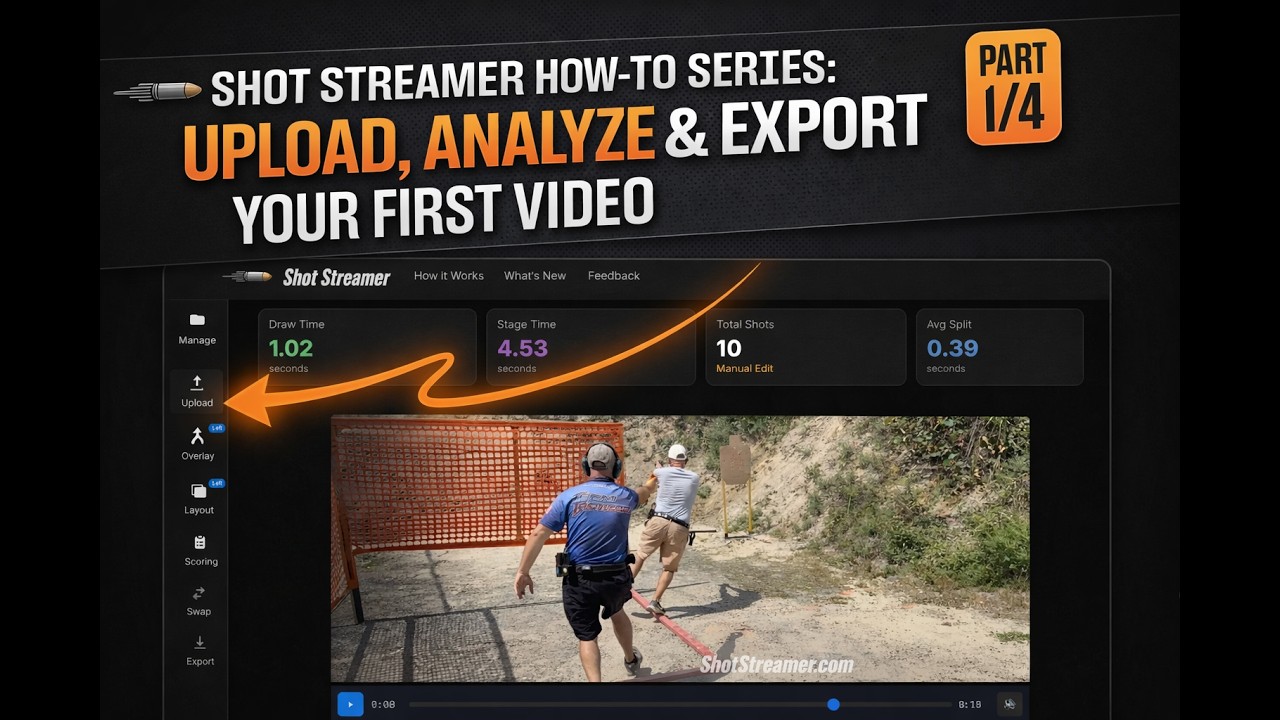
1. Upload Video
Upload your match or practice video. Our shooting timer analyzer uses ML to automatically detect shots and beep signals.
2. Edit Waveform
Review audio waveform. Add, remove, or adjust shot markers.
3. Overlay
Add a shot timer overlay with split times and draw time. Position it at the top, bottom, left, right, or hide it completely.
4. Export
Download MP4 video with shot analytics overlay.
Merged Video Analysis
1. Upload First Video
Upload and analyze your first video file.
2. Add Second Video
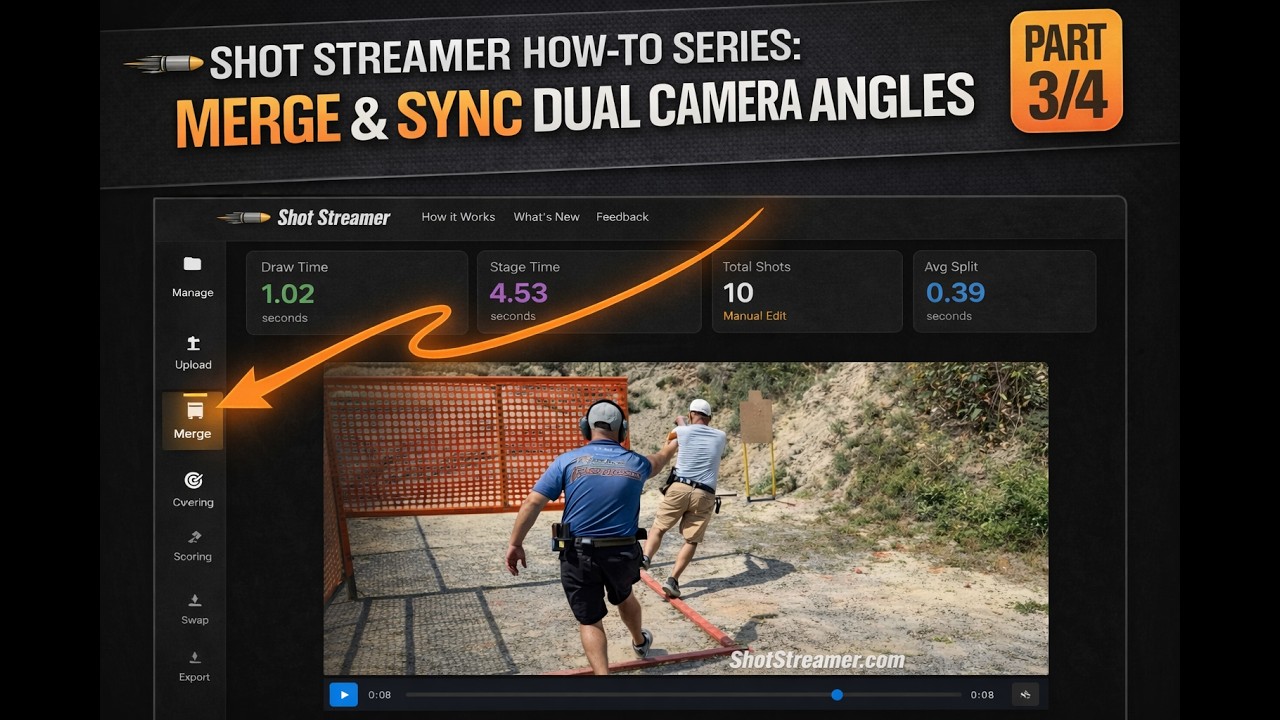
Automatically merges and syncs playback timing based on beep detection.
3. Layout
Choose layout: side-by-side, above-below, or picture-in-picture.
4. Edit Waveform
Adjust shot markers on the merged video timeline.
5. Overlay
Position shot streamer overlay on the merged video.
6. Export
Download your synchronized, merged video with analytics.
Shot Scoring
What is Shot Scoring?
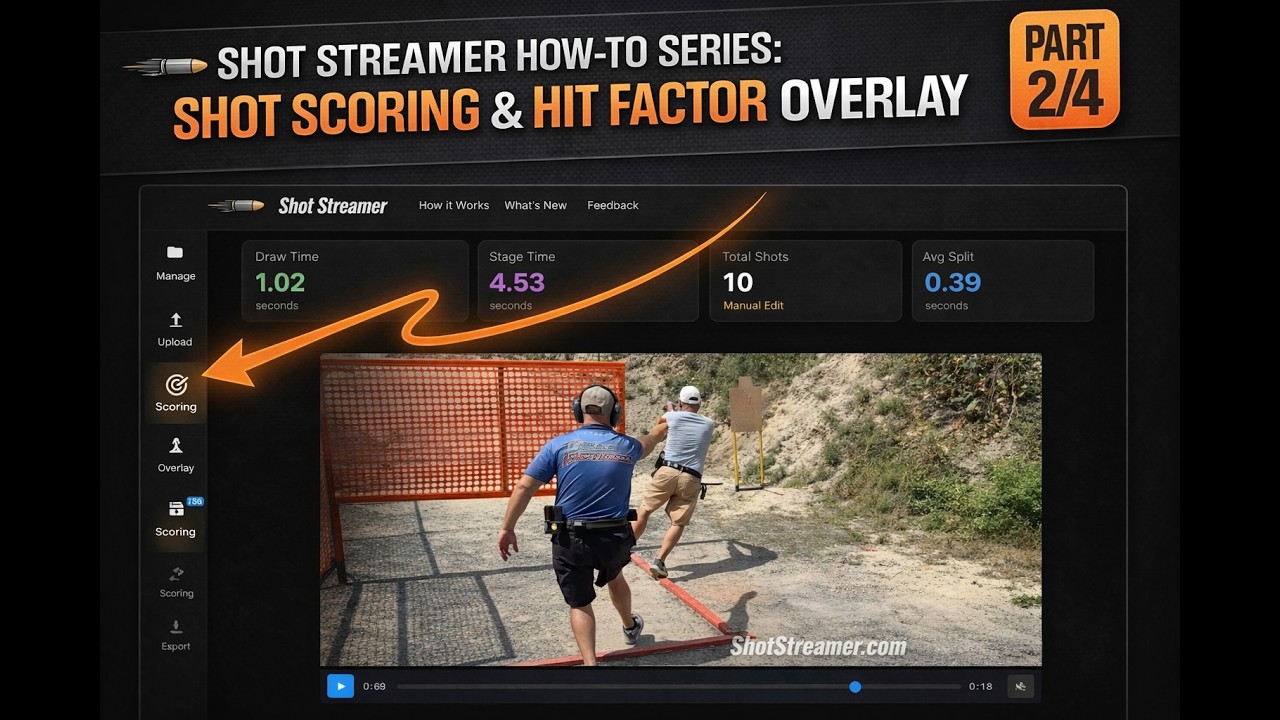
Shot Scoring allows you to mark each shot with a score letter (A, C, D, M, NS, etc.) and position it on your video to indicate the score for that target. When you play back or export your video, animated score letters appear at the marked positions, providing instant visual feedback on shot placement and accuracy.
This feature is perfect for analyzing competition stage breakdowns or training sessions where you want to track shot-by-shot performance.
How It Works
1. Enable Scoring
Click the "Enable Scoring" button in the Manage menu to activate shot scoring mode.
2. Select Letter
Choose a score letter (A, C, D, M, NS) from the scoring sheet when Scoring is enabled, or set it later in the Split Times section.
3. Mark Position
Drag the playhead to the shot you want to score, then click on the video where you want the letter to appear (typically above or near the target).
4. Play & Export
During playback, letters animate in at each shot time. Export your video with scoring overlays included.
Scoring Features
Animated Score Letters
Score letters animate in from below, scroll upward to the marked position, hold briefly, then fade out smoothly.
Hit Factor Badge
When scoring is enabled, a Hit Factor badge appears in the shot stream overlay showing your calculated performance metric.
Penalty Tracking
Add penalties to your score calculation using the +/- buttons. Penalties are factored into your Hit Factor automatically.
Export with Scoring
Exported videos include both the animated score letters and Hit Factor badge, preserving all your scoring data in the final MP4.
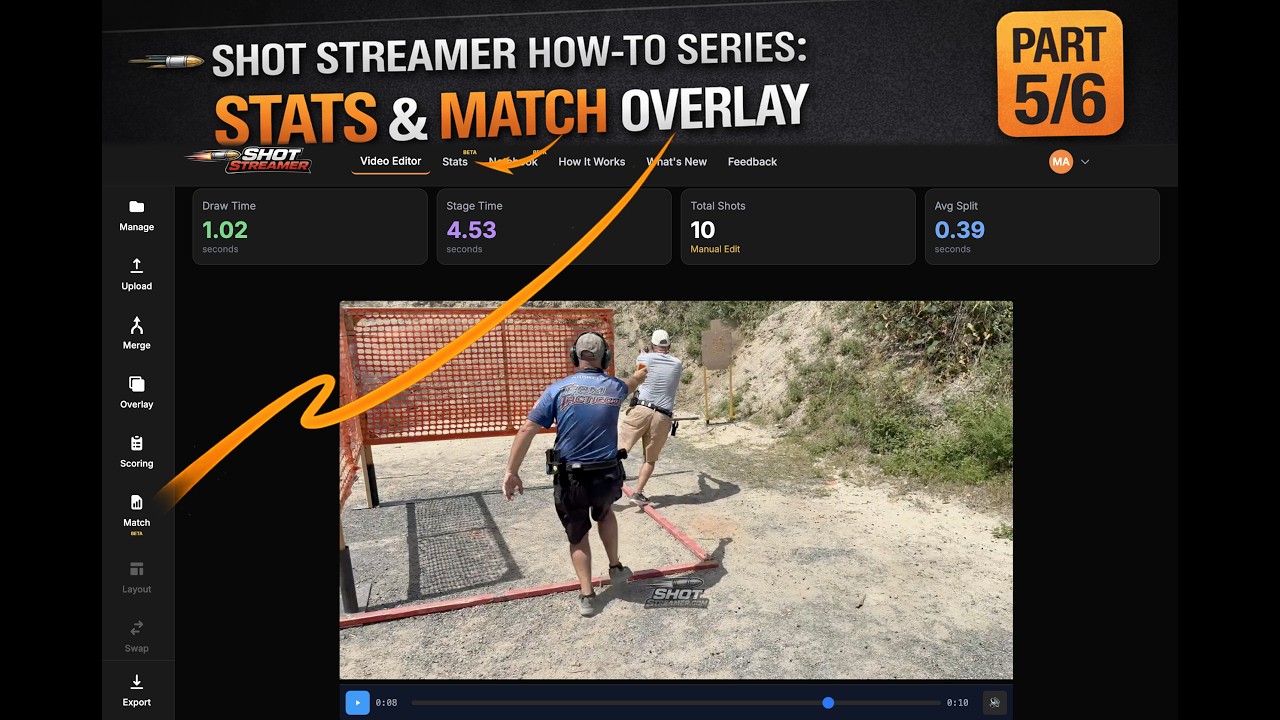
Stats
What is Stats?
Stats is your personal analytics dashboard for tracking USPSA classification history, match performance, and classifier scores over time. Enter your USPSA number and instantly see your progression across divisions.
Data is cached server-side for fast page loads after your first sync.
How It Works
1. Enter USPSA#
Enter your USPSA member number on the Stats page or in Settings. Your data syncs automatically.
2. View Analytics
See classification history, match performance trends, and classifier scores across all your divisions.
3. Track Progress
Monitor your classification progression and identify strengths and areas for improvement.
Stats Features
Classification History
View your full classification timeline across divisions with visual progression charts.
Match Performance
Analyze your match results with stage-by-stage breakdowns, placement data, and hit factor trends.
Classifier Scores
Track your classifier performance with percentages and see how each one contributes to your classification.
Match Data Integration
Match data synced automatically with server-side caching for instant page loads.
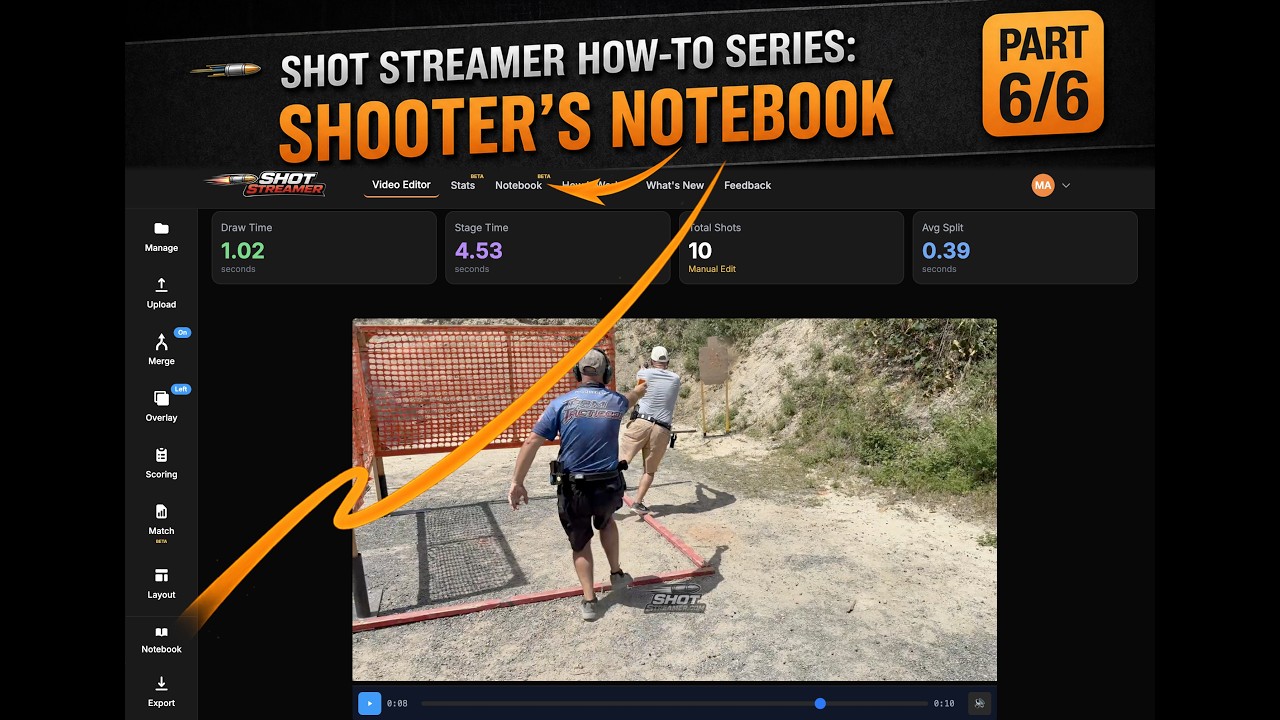
Notebook
What is Notebook?
Notebook is your personal training journal for recording stage notes, observations, and lessons learned after each match. Link entries to your match data for a complete picture of your performance.
Use it to track what worked, what didn't, and build a searchable archive of your competitive shooting journey.
How It Works
1. Create Entry
Start a new notebook entry after a match or practice session. Add stage notes and observations.
2. Link Match Data
Connect your notes to match results for stage scores, placement, and hit factors alongside your observations.
3. Review & Search
Build a searchable archive of your match notes. Review past entries to identify patterns and track improvement.
Notebook Features
Stage-by-Stage Notes
Record detailed notes for each stage including what went right, mistakes, and things to work on.
Match Data Integration
Entries are enriched with match data including scores, placement, and hit factors.
Video Export Linking
Attach exported Shot Streamer videos to your notebook entries for a complete multimedia record.
Searchable Archive
Search through all your past entries by match name, date, or keywords to find specific notes and patterns.
AI Coach
Get AI-powered analysis of your shooting technique. Shot Streamer extracts key frames from your video and sends them to an advanced AI model that provides detailed coaching feedback on your draw, transitions, reloads, and overall stage execution.
How AI Coach Works
Save Your Project
Upload and analyze a video as usual, then save the project. AI Coach requires accurate shot detection data.
Click "Analyze with AI Coach"
Use the Coach button below the video player or in the sidebar. The system extracts key frames around each shot event.
Review Your Feedback
The AI analyzes your draw, transitions, movement, and shot execution, then provides detailed coaching notes you can review anytime.
Requirements
- Pro subscription required (1 coaching run/month included)
- Third-person video only — film the shooter from behind or the side. First-person/POV footage is not supported.
- Stage under 1 minute (beep to last shot)
- Saved project with completed shot analysis
Shot Streamer How-To Series
Technical Specifications
File Size Limits
- • Single video upload: 500 MB maximum
- • Merged videos (combined): 500 MB maximum
Supported Formats
- • Input: MP4, MOV, AVI, WMV
- • Output: MP4 (H.264 codec)
- • Audio: AAC, MP3, WAV
Resolution Support
- • Input: Up to 4K (3840x2160)
- • Output: Matches input resolution
Processing Time
- • SD (720p): ~1x real-time
- • HD (1080p): ~2x real-time
- • 4K: ~4x real-time
Browser Compatibility
Latest versions of Chrome, Firefox, Safari, and Edge
Internet Connection
Stable broadband connection recommended for upload/download
Frequently Asked Questions
What type of shooting is this for?
Shot Streamer works with any type of shooting video—pistol or rifle, competition or practice. It's perfect for analyzing competition shooting like USPSA, IDPA, IPSC, Steel Challenge, and PSCL matches, but also works great for casual range sessions and plinking. Our AI shot detection adapts to different firearms and environments, making it versatile for all shooting disciplines.
How accurate is the ML shot detection?
Our machine learning model is trained on a diverse dataset of action pistol shooting audio to achieve high accuracy. However, complex scenes or very rapid transitions may occasionally require manual adjustment using our waveform editor for perfect precision.
Can I merge videos with different resolutions or frame rates?
Yes! When merging two videos, Shot Streamer automatically detects each video's resolution and frame rate using ffprobe. If they differ, the lower-quality video is upsampled to match the higher-quality one—so a 1080p video merged with a 4K video will output at 4K, and a 30fps video merged with a 60fps video will output at 60fps. This preserves the full quality of your best source rather than downgrading both to a lowest common denominator. The scaling is layout-aware: side-by-side matches height, above-below matches width, and PIP uses the main video's native resolution. Shot timing is unaffected since all timestamps are stored in milliseconds, not frame indices.
How does aspect ratio export work, and why are some ratios disabled?
Shot Streamer supports exporting in several aspect ratios optimized for social media: 9:16 (TikTok/Reels), 1:1 (Instagram), 4:5 (Stories), and 16:9 (YouTube), in addition to your original dimensions. The aspect ratio transformation is applied before overlays, so badges and shot streams render correctly in the final output. However, certain ratios are disabled depending on your video's orientation and merge layout to prevent extreme cropping that would make the result unusable. For example, landscape videos can't export as 9:16 because it would crop away most of the frame, and side-by-side merges block most non-original ratios since the wide canvas doesn't translate well to vertical or square formats. When a ratio is disabled, you'll see a brief explanation of why directly in the export menu.
What kind of analytics can I overlay on my video?
Currently, you can overlay essential metrics such as a real-time shot countdown timer, shot split times, and draw time from beep to first shot. The overlay can be positioned at the top, bottom, left, right, or disabled entirely.
My merged videos are out of sync. How do I fix this?
When merging videos, ShotStreamer automatically calculates a sync offset based on the timer beep detected in each video. However, if the beep detection is inaccurate or your videos don't have beeps, you can manually adjust the sync offset using the +10ms and -10ms buttons in the playback controls. Fine-tune the offset until both videos play in perfect sync.
Is my uploaded video data secure and private?
Absolutely. We prioritize your data security. All uploaded videos are encrypted in transit and at rest. We do not share your video content with third parties, and you retain full ownership and control over your data.
What if my video upload fails or processing gets stuck?
First, check your internet connection and ensure your file meets our technical specifications (e.g., max file size 500 MB for single videos). If the issue persists, please use the Feedback button to contact our support team with details about your video file and the problem you encountered. We're here to help!
Do I need an account to use Shot Streamer?
No! The core video editor works without an account. Creating an account gives you user settings and detection threshold persistence. Shot Streamer Pro adds project saving, scoring, match data overlays, stats, and more.
What happens to my saved projects if I cancel?
Pro subscribers retain their projects indefinitely. If you cancel your subscription, your saved projects are kept for 60 days from the date of cancellation. After that, project data is permanently deleted. Re-subscribing within the 60-day window preserves your projects.
Can I make feature requests?
Absolutely! We are always accepting feature requests and value your input in shaping the future of ShotStreamer. Please use the Feedback button in the header to share your ideas, suggestions, or any features you'd like to see added. We review all submissions and prioritize based on user demand.
What is AI Coach?
AI Coach analyzes your shooting video using advanced AI to provide personalized feedback on your technique. It extracts key frames from your stage run—draw, transitions, reloads, and individual shots—and sends them to an AI model that understands competitive shooting mechanics. You'll receive detailed feedback covering grip, stance, draw technique, transitions, reloads, and overall stage strategy. AI Coach is available to Pro subscribers.
What video angles are supported for AI Coach?
AI Coach requires third-person video—filming the shooter from behind or from the side. First-person or point-of-view footage (e.g., a head-mounted or chest-mounted camera) is not supported. The AI needs to see your full body to analyze grip, stance, draw, transitions, and movement. If you submit a first-person video, the system will detect it automatically and let you know before running the analysis.
How many coaching runs do I get?
Pro subscribers get 1 AI coaching run per month included with their subscription. If you want more, the Coach add-on ($5/month) gives you 3 additional runs per month for a total of 4. You can manage the Coach add-on from Settings > Subscription. Your run count resets monthly.
What data is sent for AI coaching analysis?
When you run AI Coach, we extract still frames from your video at key moments (draw, shots, transitions, reloads) and send those images along with your shot timing data to Anthropic's Claude AI for analysis. The extracted frames are temporary and deleted from our servers after the analysis is complete. Your coaching results are stored with your project so you can review them anytime. No audio or full video files are sent—only the extracted frame images.
Ready to Analyze Your Shooting Videos?
Get started with our and see AI-powered shot detection in action.